
How to use the AI gender swap filter
Pick a clear front-facing photo, drop it in, and get a photorealistic gender swap in about 30 seconds. Here is how to get a result that still looks like you.
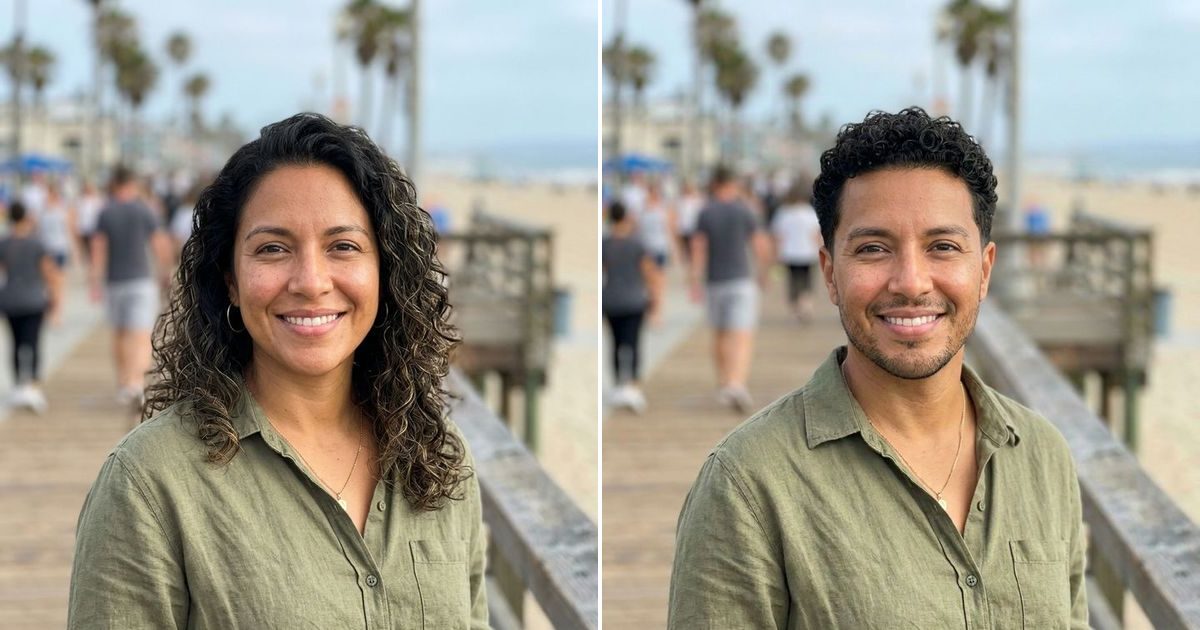
You use an AI gender swap filter by uploading one clear, front-facing photo and waiting about 30 seconds. The filter works out whether to go male to female or female to male, then redraws the portrait while keeping your face, expression and background. If the result drifts, one tap refines it.
What kind of photo gives the best gender swap?
A sharp, front-facing photo of one person in even light gives the best result, because the model can only keep the features it can see. The face should fill a good part of the frame, both eyes should be visible, and the head should not be turned more than a little. Natural selfies work well; heavily filtered or beauty-mode photos do not, since the filter already changed your skin and jaw before the swap begins. Most weak results trace back to the photo rather than the model: a backlit face, sunglasses, or a group shot where the person is small. The tool accepts JPG, PNG and WebP up to 25 MB, and the short side needs at least 256 pixels. iPhone HEIC files are not supported yet, so set the camera to "Most Compatible" or send a screenshot instead.
| Works well | Causes weaker results |
|---|---|
| Face toward the camera | Strong side profile |
| Soft, even daylight | Backlight or deep shadows |
| One person, face fills the frame | Small face in a group shot |
| Unfiltered photo | Beauty filters, sunglasses, masks |
How do you start a gender swap?
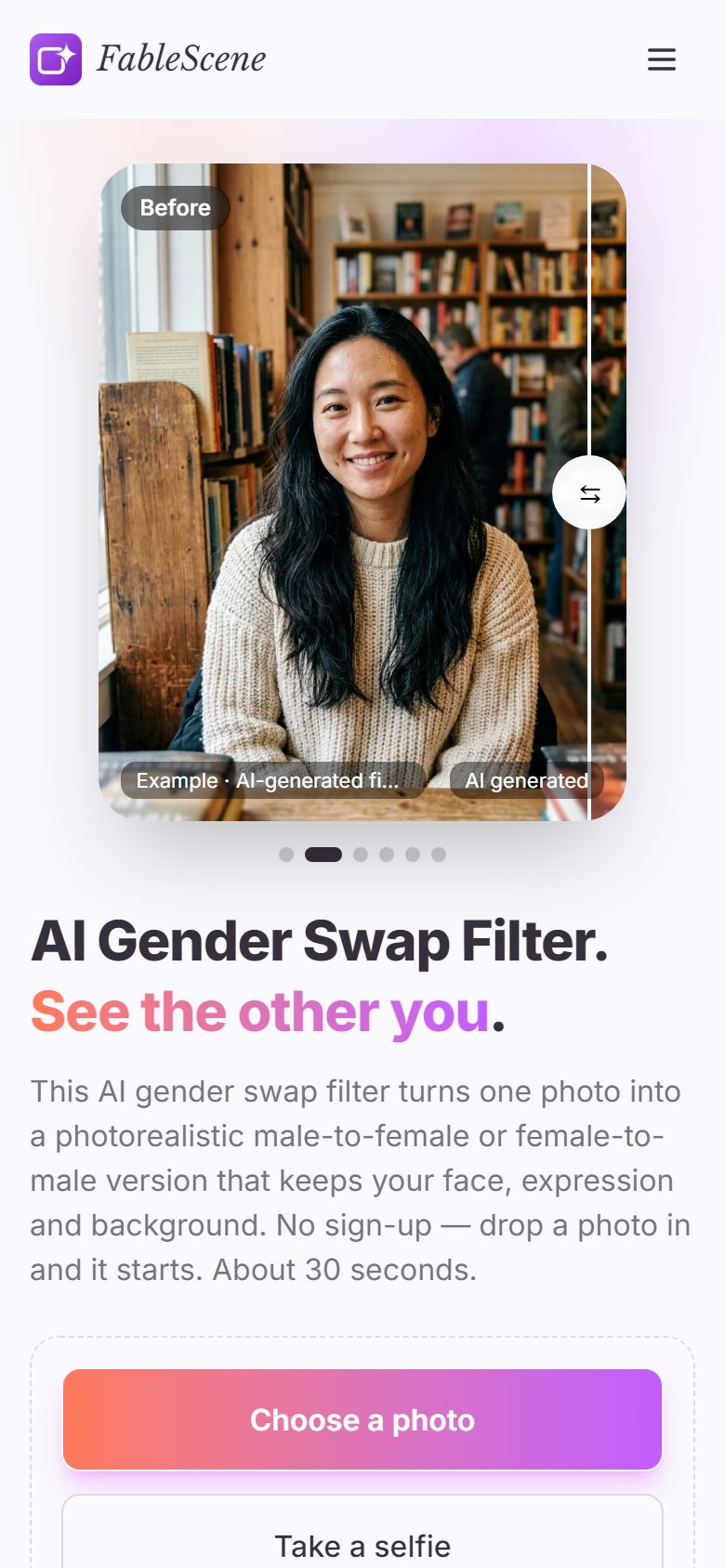
Add your photo and the swap starts on its own; there is no generate button and no male or female switch to set first. On a computer, click "Choose a photo", drag the file onto the page, or paste it with Ctrl+V. On a phone, the same button opens your gallery, and "Take a selfie" opens the camera. Before you upload, you confirm that you are 18 or older and that the photo is of you or of someone who agreed. If you want to see what a finished swap looks like first, tap one of the sample thumbnails under the upload box. Samples open instantly and do not use your free generation, which makes them a good way to learn the result screen before you spend a real try. The gender swap tool lives on the home page, so there is nothing to install and no account to create.
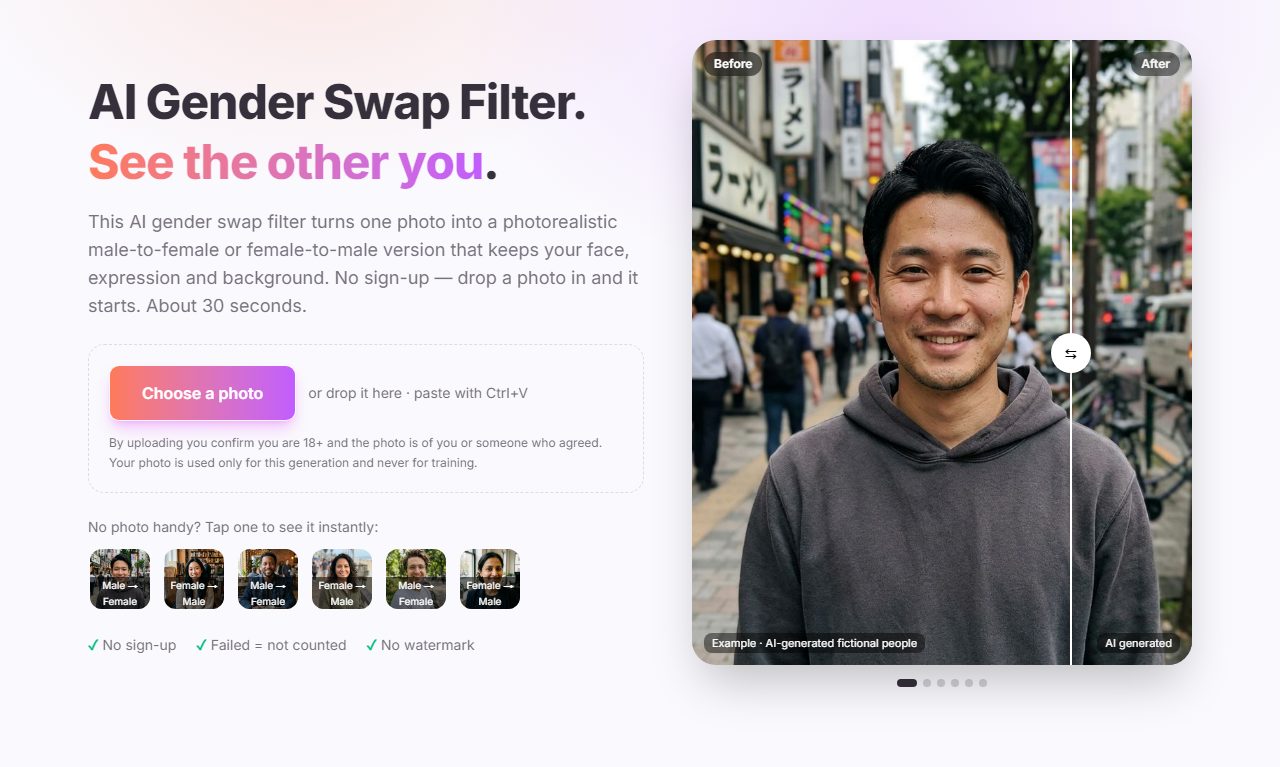
How long does it take, and how do you compare the result?
Most swaps finish in 20 to 60 seconds, and you do not need to watch the progress bar. You can switch to another tab; the browser tab title changes when the result is ready. When it lands, the result screen shows your original and the swapped version stacked in one frame with a divider down the middle. Drag the divider, or use the left and right arrow keys, to sweep between the two. This is the fastest way to check what changed and what stayed: look at the eyes, the smile and the background first, since those should match your original closely. Hair, brows, jawline and facial hair are the traits meant to change. If a generation fails or the photo is rejected, you see a short message saying why, and that attempt is not counted against your daily allowance.
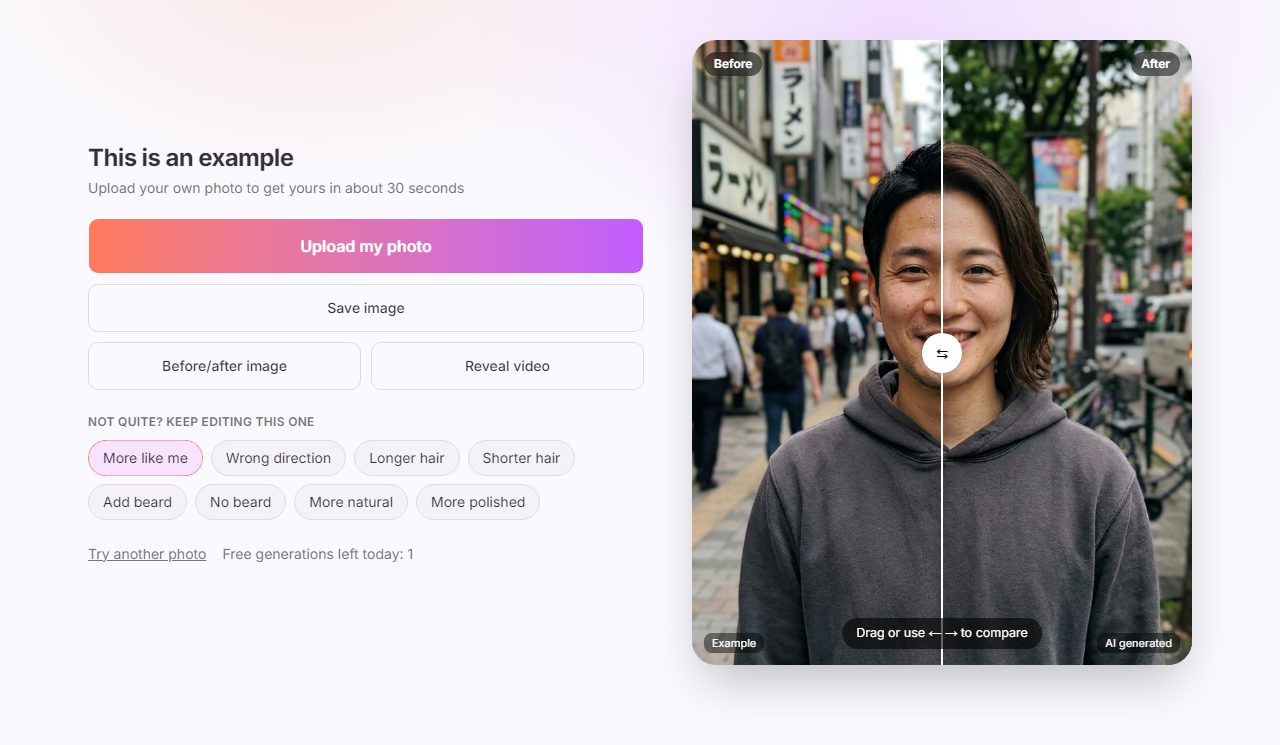
What should you do if the result looks off?
Refine the result you have instead of uploading again, because refines start from this exact result and keep it the same person. The buttons sit under "Not quite? Keep editing this one". "More like me" is the one to try first when the face drifts: it regenerates anchored on your original photo. "Wrong direction" fixes the rare case where the filter guesses the wrong way, which is most likely with short-haired women and long-haired men; choose "Make female" or "Make male" and it redoes the swap. The hair and beard buttons adjust only those traits, and "More natural" or "More polished" changes the overall finish. Each refine is a new generation, so it counts toward your daily allowance. Every version you make is kept in the Versions strip, so you can step back to an earlier one if a refine goes too far.
| If you see this | Tap this |
|---|---|
| It looks like a different person | More like me |
| It went the wrong way | Wrong direction, then Make female or Make male |
| Hair length is not what you pictured | Longer hair or Shorter hair |
| Facial hair is wrong for the look | Add beard or No beard |
| Too airbrushed, or too plain | More natural or More polished |
How do you save and share your gender swap?
Use the three buttons above the refine options: "Save image" downloads the swapped photo, "Before/after image" builds a side-by-side card, and "Reveal video" makes a short 9:16 clip that moves from your original to the result. The video is sized for Reels, TikTok and Shorts, so you can post it without cropping. On a phone, "Share…" hands the file straight to your apps, and if your browser cannot save files directly, a long press on the image saves it instead. Every export carries a visible "AI generated" label, and the model adds an invisible watermark as well, so the result is never passed off as a real photo. The uploaded original is held by the model provider only briefly and removed after a day, and it is never used for training; the privacy policy has the details.
Ready to try it? Open the AI gender swap filter and drop in a clear, front-facing photo. Your first swap of the day is free, and the FAQ on the home page covers anything this guide did not.
Frequently asked questions
Is the AI gender swap filter free to use?+
Yes. Everyone gets one free generation a day without an account, and failed or rejected generations are not counted. Refine edits are new generations, so they count toward the same daily allowance.
Why does my gender swap not look like me?+
Usually the photo is the cause: a turned head, sunglasses, heavy filters or a small face in a wide shot give the model less to keep. Try a sharper, front-facing photo, or tap "More like me" to regenerate anchored on your original.
Can I use a photo of someone else?+
Only with their consent, and you must be 18 or older. Do not use the result to impersonate, harass or deceive anyone. Every export is labelled as AI generated.